Build Concept Reconstruction Activities That Stop Passive Scrolling
Learners scroll past your key takeaways in seconds. Highlighting text in bold doesn't help — they still don't process it.
Building a drag-and-drop sentence reconstruction in Storyline means freeform interactions, custom drop zones for every word, and feedback logic that checks order — tedious for one sentence, brutal for five.
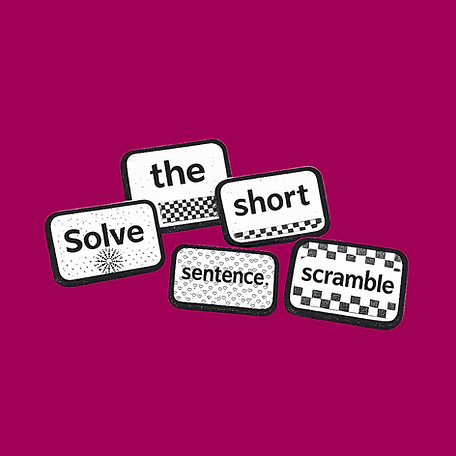
The Sentence Scramble generator lets you type your sentence and export a single HTML file you embed in Articulate Rise, Storyline, Captivate, Canvas, Moodle, or any LMS that accepts HTML. Learners drag word tiles into the correct order, forcing active engagement with the exact language that matters.
Use it for key takeaway reinforcement, policy language, mission statements, and procedural steps.
Build Concept Reconstruction Activities That Stop Passive Scrolling
How To Use the Generators
Each tool in the eLearningDesign.org ecosystem follows a streamlined, three-step workflow designed to keep you focused on instructional strategy while we handle the technical execution.
Input Your Content: Open the Content tab to add your specific learning prompts, interactive options, and coaching feedback. This is where you build the logic and instructional heart of your activity.
Customize Your Design: Switch to the Design tab to align the tool with your course aesthetic. You can manually adjust colors, typography, and layout structures to ensure a seamless visual fit.
Generate and Embed: Go to the Generate tab to finalize your tool. Click "Copy Embed Code" for your authoring tool's HTML block, or "Download as HTML" for local hosting and offline use.
Common Use Cases
Key Takeaway Reinforcement: Use at the end of a lesson to have learners assemble the "bottom line" or primary mission statement of the training.
Procedural Step Mastery: Jumble the stages of a complex workflow or safety protocol to ensure learners can correctly sequence the path to success.
Term Definition Practice: Break down a technical definition into its core components, requiring learners to rebuild it for a deeper understanding of the terminology.
Technical Specifications
Visual Interface for Code: Focus on the sentences and their meaning while the generator handles word randomization, drag-to-reorder, and sequence validation.
Fixed-Frame Optimization: Built to hold its layout inside iframes and web objects in Rise 360 and Storyline.
WCAG Friendly: Includes keyboard navigation support so the activity stays accessible.
Brand-Consistent Palette: Fully customizable colors and fonts so the tool matches any corporate, educational, or organizational identity.