Vibe Coding for Instructional Designers: The Rabbit Hole Nobody Warns You About

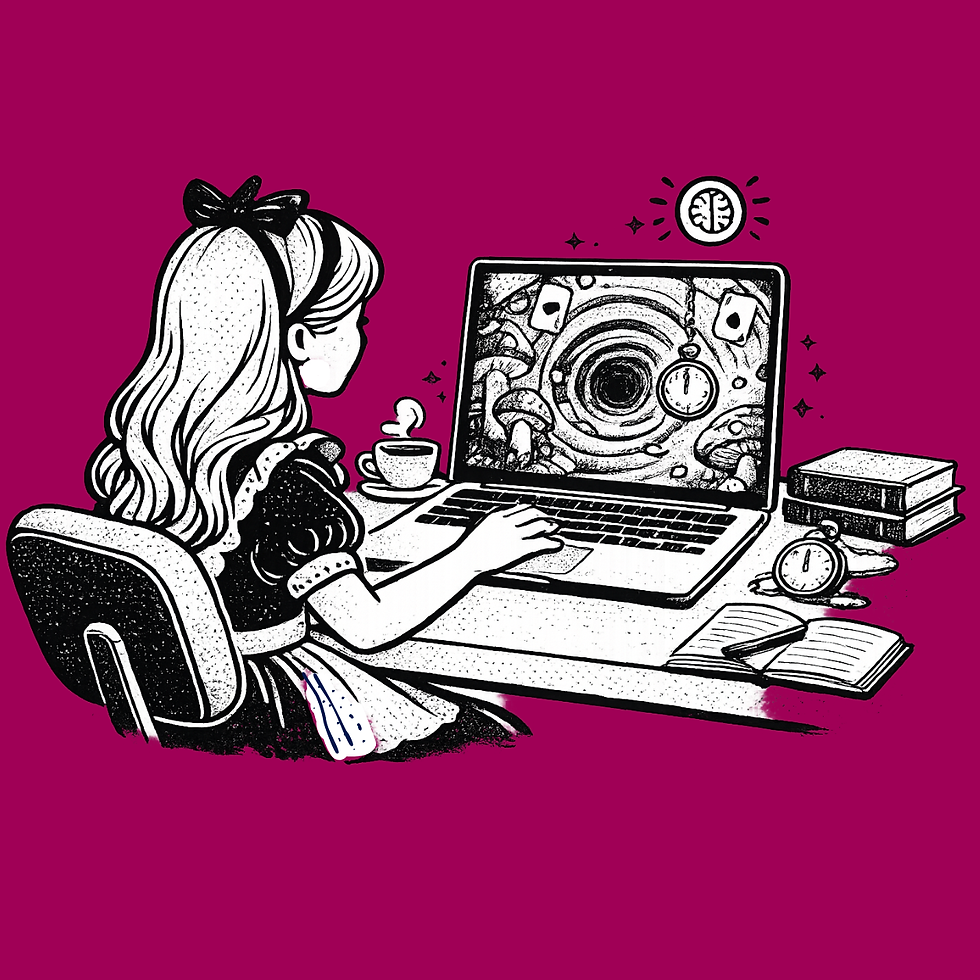
Have you gone down the vibe coding rabbit hole yet?
Vibe coding for instructional designers is the new Alice in Wonderland. You open the door and everything inside looks fascinating. Magical creatures. Impossible things being built in real time. People showing off interactive eLearning content they coded in an afternoon with nothing but a prompt.
Then you see the little bottle on the table. Drink me.
So you drink.
You describe the interaction you want. The AI writes some HTML. Something appears on the screen. You think, wait, this actually works.
Then you look closer.
What Is Vibe Coding for Instructional Designers
Vibe coding is the practice of using AI tools like ChatGPT to generate interactive HTML activities by describing what you want in plain language. For instructional designers, it is being sold as the answer to a real problem: the gap between what you can imagine and what your authoring tool will let you build.
Rise is fast but the interactivity is shallow. Storyline is powerful but takes hours. Vibe coding promises a third path. Describe the interaction. Get the code. Embed it in your course.
The demo always looks like magic. The real build is a different story.
Why Vibe Coding Breaks Down on Real Interactions
Say you want to build an image blender. A before and after with layered reveal. You want the learner to fade between the two states, see the transformation, register the change.
You prompt it. The AI gives you a first version.
The layers are there but they do not quite line up. The fade slider works but the animation is jumpy. You ask for a fix. The AI gives you new code. Now the slider is smooth but the images reset every time you move it. You prompt again. The positioning breaks. You prompt again. The layout collapses.
Two hours in, you have something that mostly works on your laptop in Chrome. You still have not tested it. You have not embedded it in Rise yet. You have no idea what it will do once it is inside your course.
This is the problem nobody talks about when they show off the vibe coding magic. The demo always works. The real build takes the rest of your afternoon. And by the time you are done, the shortcut was not really a shortcut.
The Reuse Problem Nobody Mentions
Even if you get the image blender working exactly right through vibe coding, you have one file. One interaction. One set of images. One-off.
Next project comes along. Different topic. Different before and after photos. Different client branding.
You have to find the file you built last time. You have to remember how you built it. You have to figure out what to change and what to keep. You have to prompt the AI again to modify it for the new context. The styling does not transfer cleanly. The image sizes are different. Back down the rabbit hole you go.
Every interaction becomes a thing you have to rediscover. Your vibe coded library is not really a library. It is a pile of files you built once and cannot easily reuse.
That is not what instructional designers actually need.
What a Generator Does That Vibe Coding Cannot
The Image Blender Generator was built for exactly this problem.
The fade mechanic is already built. The layer behavior is already tested. The mobile responsiveness is already handled. The export is already clean HTML that drops into Rise, Canvas, Moodle, Thinkific, Captivate, or any platform that accepts an embed.
You open the generator. You upload your before and after images. You configure what you want the learner to see. You see the build take shape in real time. You know exactly what the output will be before you export it.
And here is the part that matters more than the time savings.
Next project comes along. You open the same Image Blender. You upload different images. You configure new context. You export. Done. You did not rebuild. You did not re-prompt. You did not find yesterday's file and try to remember how it worked. You built off your own content in minutes because the tool was still there, working the same way it worked last time.
That is reusable eLearning interactions. That is what vibe coding cannot give you no matter how clever the prompt.
A Growing Library of Interactive Generators
eLearningDesign.org is a growing library of interactive generators built by an instructional designer for designers, teachers, and course creators.
Image Blender is one. There is also Puzzle Palette for visual reconstruction. Branching Chat Scenario for real conversations. Dial Spectrum for calibration and judgment. Reverse Hotspot with the flashlight cursor. Lane Sort. Venn Diagram Drag and Drop. Vocabulary Word Search. Memory Match. Sentence Scramble. And more coming.
Every one of them solves a problem that used to mean either hours in Storyline or a trip down the vibe coding rabbit hole.
You bring the content. The context. The images. The scenario. The tool does what it is built to do.
When Vibe Coding Is Actually the Right Choice
This is not an argument against vibe coding. It has its place.
If you need something completely custom that no existing tool produces. If you have the time and the patience for the iteration cycle. If you are building for a very specific context that requires very specific behavior. Vibe coding can get you there.
For everything else, the tool probably already exists. Spend your time on the content. On the scenario. On what the learner actually needs to do. Not on building the instrument from scratch every time.
Alice eventually figures out how to get home. You can too.
Try the growing library of generators free at eLearningDesign.org.

Comments