The Easter Egg Hunt for Adults: Why "Helpful" Design is Killing Learning

There is a fine line between "guiding" a learner and "escorting" them. In most software walkthroughs, we aren't just guiding; we are basically putting them in a digital stroller and pushing them through the interface.
We take a screenshot, draw a giant box around the "Submit" button, and tell them to click it. We think we’re being helpful. We think we’re making the training "seamless." In reality, we are just treating a room full of professionals like toddlers at an Easter egg hunt.
The "Toddler Hunt" Analogy On Easter morning, parents don't actually hide the eggs from a two-year-old. They place the eggs in the middle of the driveway. The goal isn't "discovery"; the goal is just to get the kid to walk from point A to point B without crying.
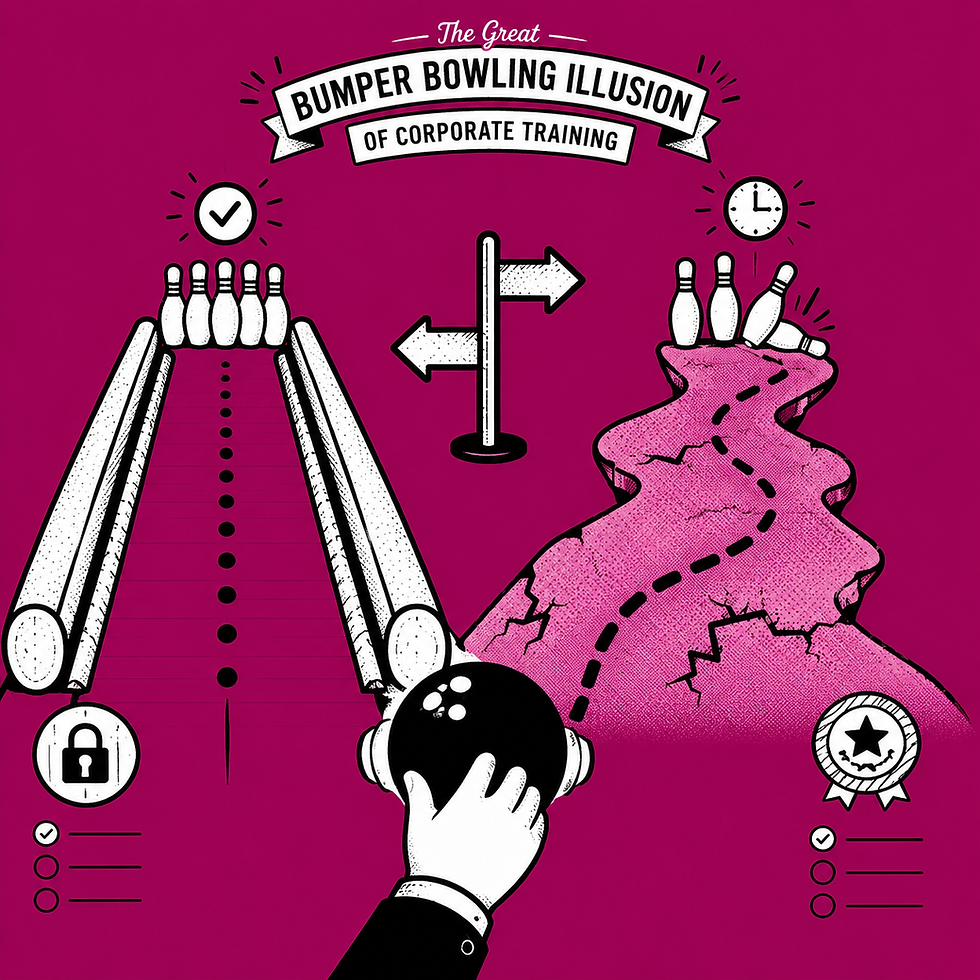
When we use static hotspots and "Click Here" callouts, we’re doing the same thing. We’re putting the "eggs" (the buttons) in plain sight because we’re afraid that if the learner has to search for three seconds, the training will "fail." But "searching" is where the learning actually happens. If there is no search, there is no discovery. And if there is no discovery, there is no retention.
The Science of the Struggle In the 1970s, researchers Slamecka and Graf identified what they called the Generation Effect. They found that people who had to "generate" a word from a partial cue (like a synonym or a rhyme) remembered it significantly better than people who simply read the word.
In instructional design, this translates to Desirable Difficulties. By making the learner actively scan a software interface to find the next step in a workflow—rather than pointing to it with a neon arrow—you are forcing their brain to build a spatial map. You are forcing them to "generate" the location.
When the designer does the work, the learner's brain goes into a low-power "spectator mode." It sees the arrow, clicks the button, and immediately dumps the information because it wasn't required to process it.
The Functional Solution: Active Finding If you want someone to know where the "Save" button is when the software is actually open on their desk, you have to let them find it during the training.
This is why the Workflow Builder is designed to be an active-find tool. Instead of static screenshots with "sticky-note" instructions, it creates a simulation where the learner must interact with the interface to progress. If the workflow requires five steps, the learner has to find those five steps.
You aren't just showing them the eggs; you’re finally letting them join the hunt.


Comments